








Meetings
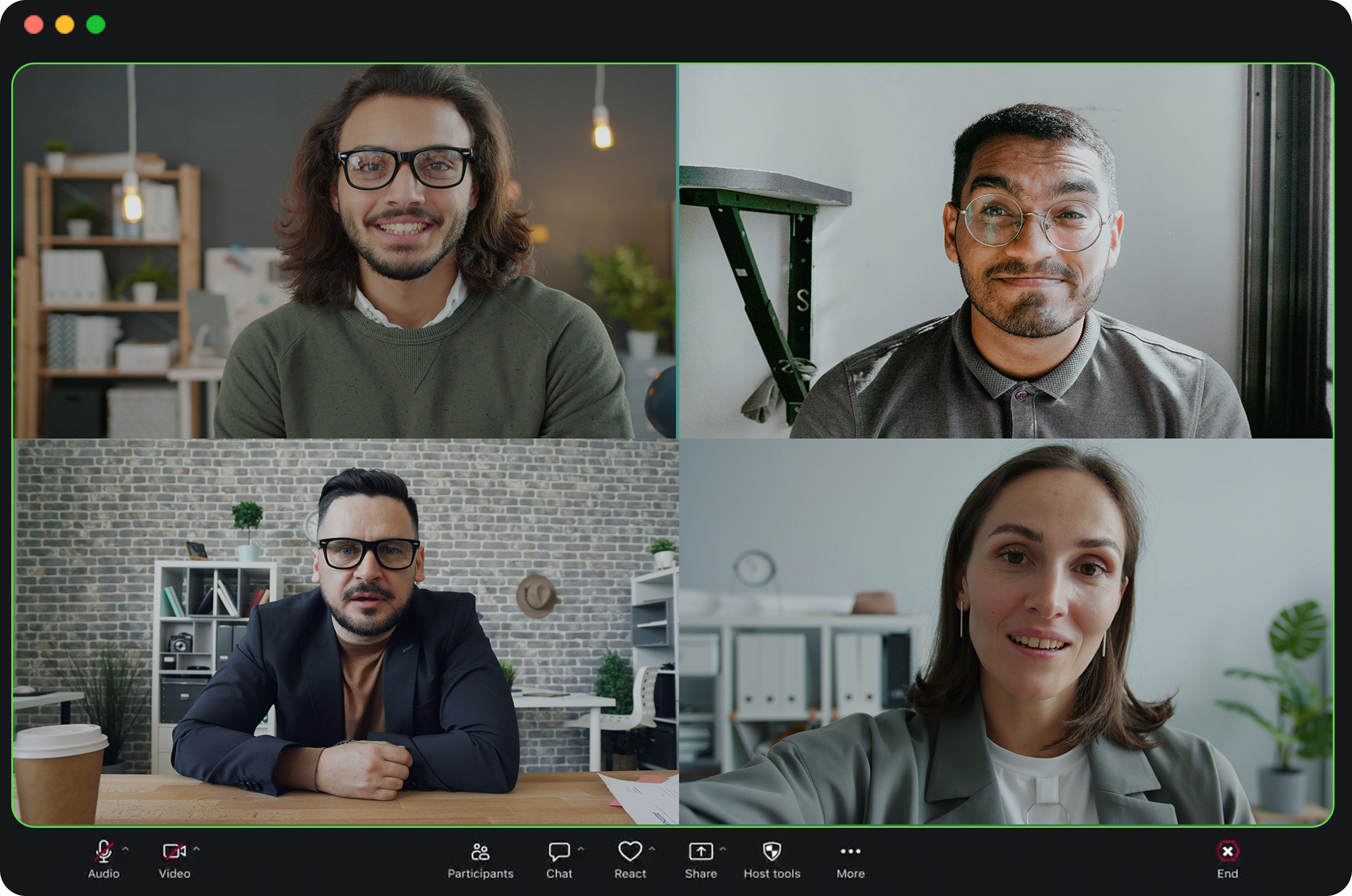
Transcribe Zoom, Teams, Webex, Skype, and Discord calls in the background.
Private transcription, beautifully simple
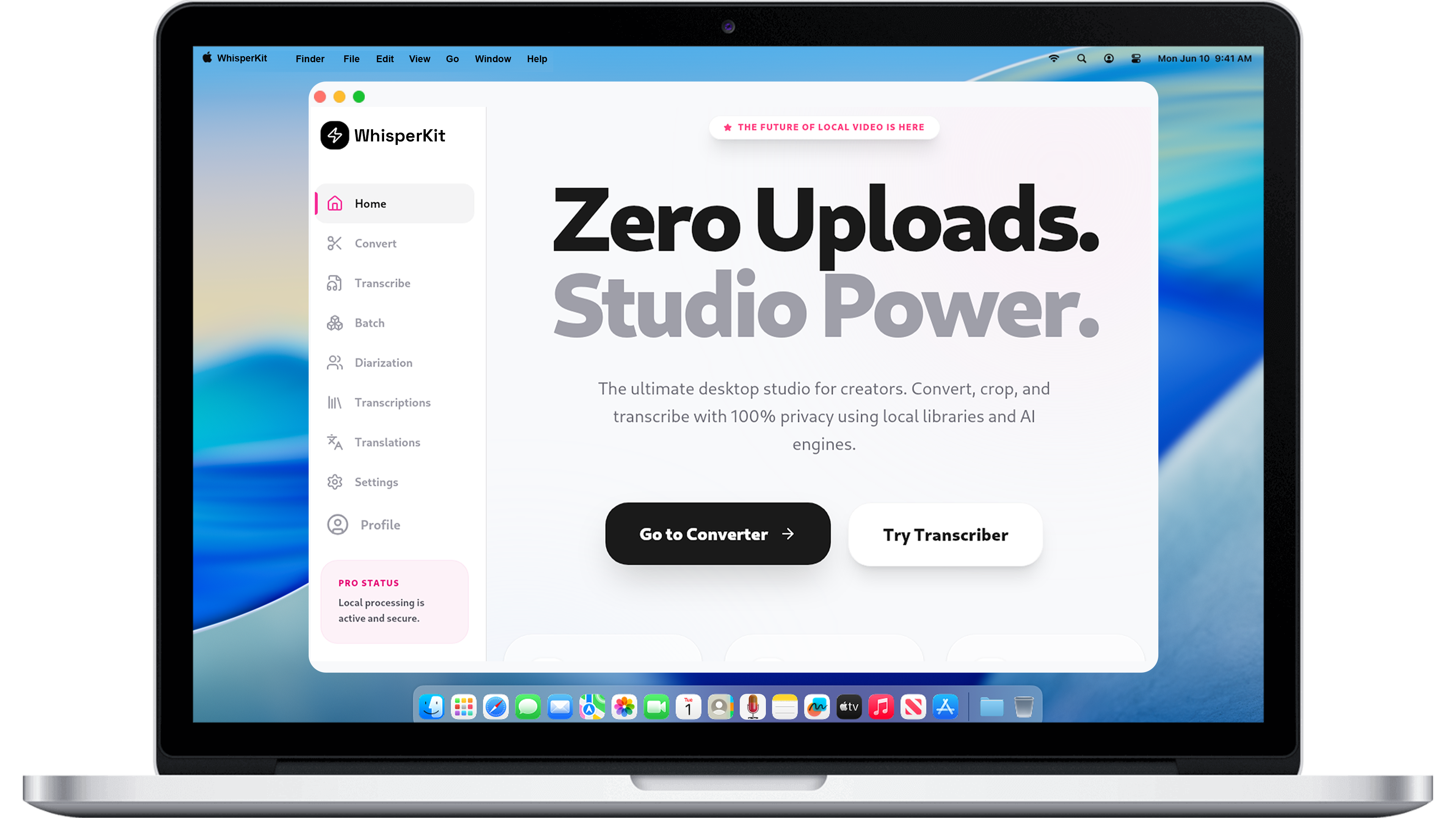
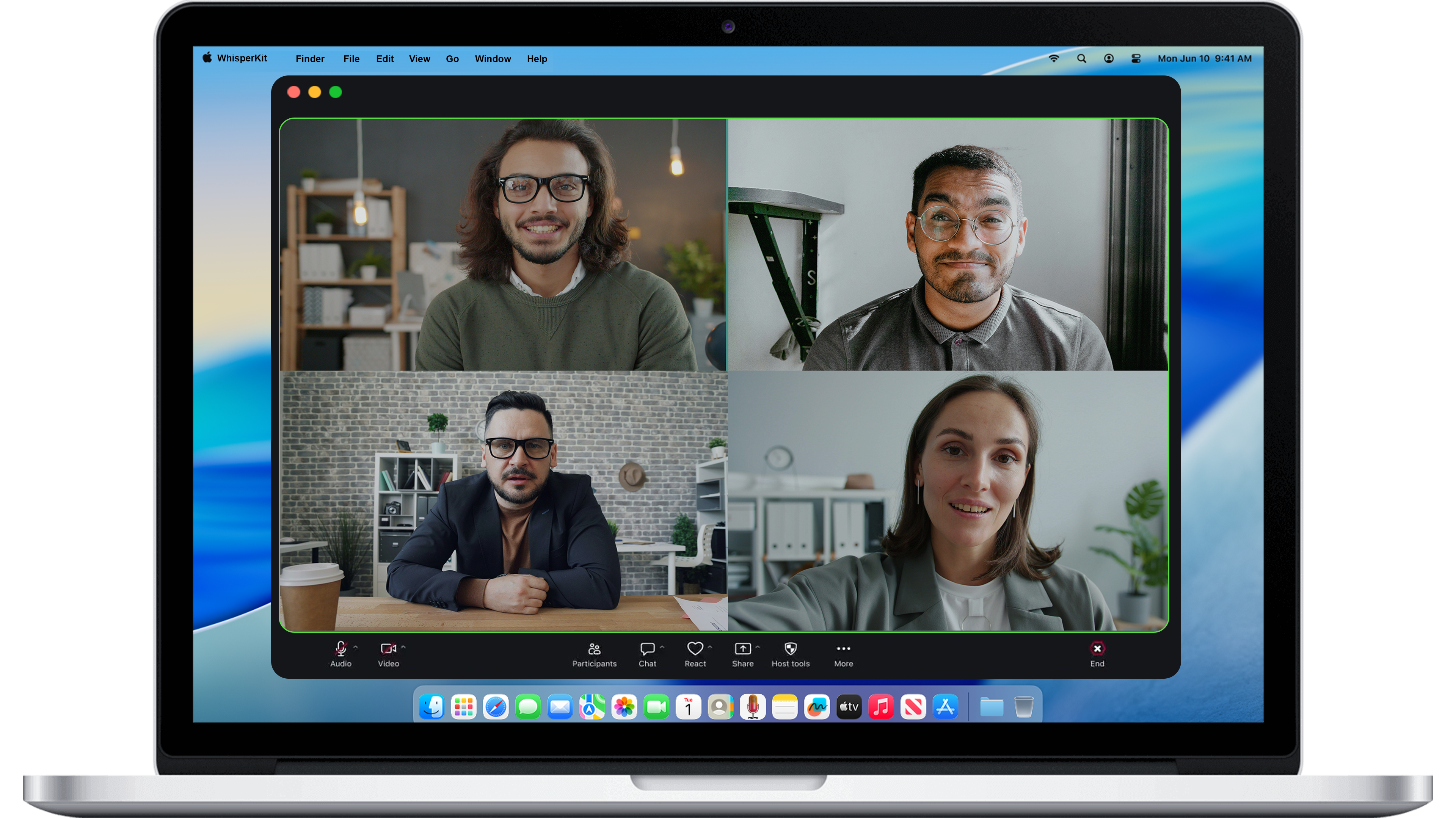
Transcribe Zoom, Teams, Webex, Skype, and Discord calls in the background.
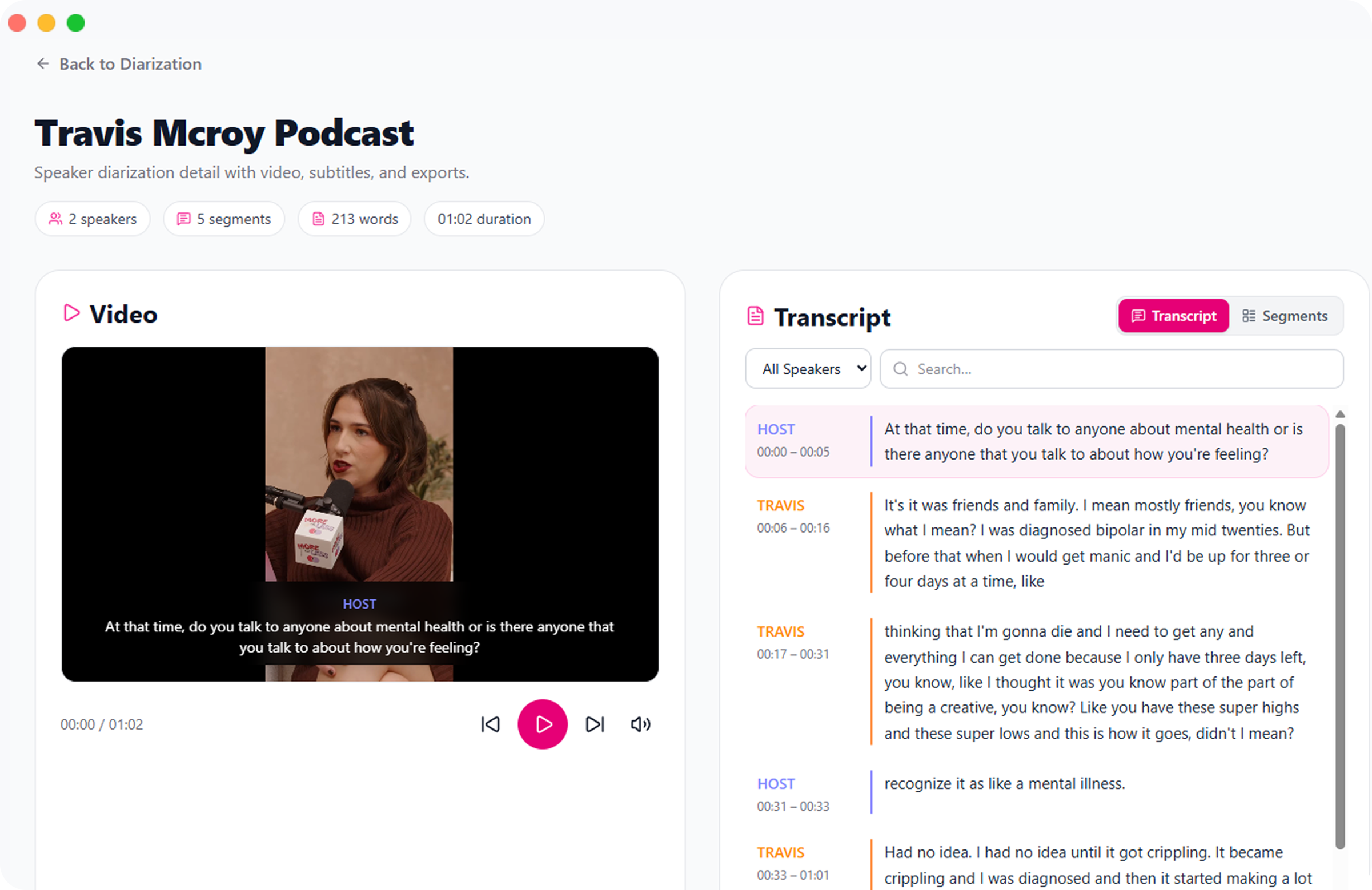
Instantly distinguish and label different speakers in your recordings.
 Emma Smith
 Michael Sato
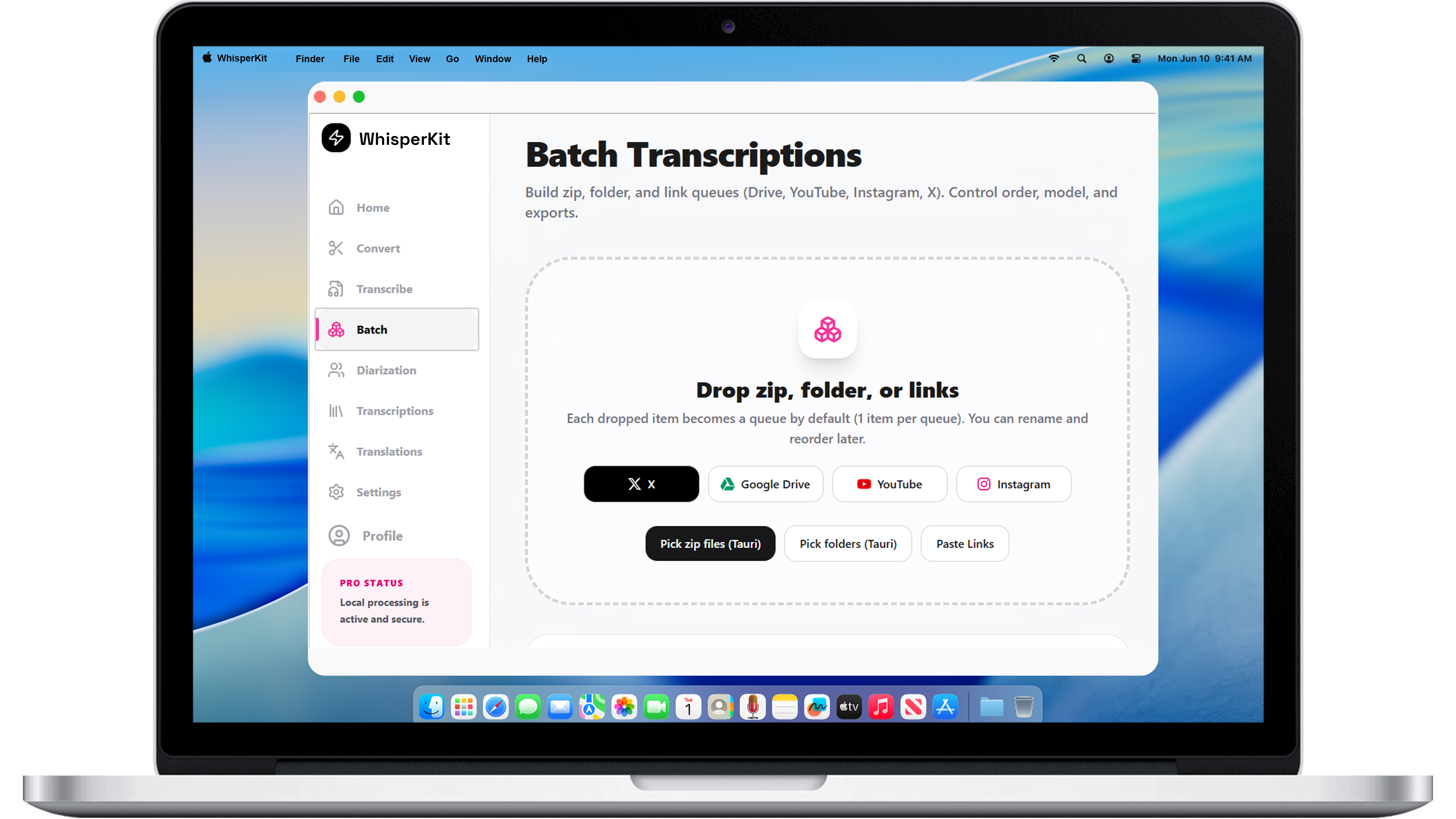
YouTube, Instagram, X, and Google Drive.
200+ languages and accents.
 Italian
 German
 Portuguese
 Korean
 Hindi
 French
 Japanese
 English
 Arabic
 Spanish
 Chinese
 RussianItalianGermanPortugueseKoreanHindiFrenchJapaneseEnglishArabicSpanishChineseRussian
 Brazilian
 Dutch
 Swedish
 Turkish
 Polish
 Vietnamese
 Thai
 Ukrainian
 Greek
 Hebrew
 Indonesian
 FilipinoBrazilianDutchSwedishTurkishPolishVietnameseThaiUkrainianGreekHebrewIndonesianFilipino
 Norwegian
 Danish
 Finnish
 Czech
 Romanian
 Hungarian
 Malay
 Bengali
 Persian
 Urdu
 Yoruba
 SwahiliNorwegianDanishFinnishCzechRomanianHungarianMalayBengaliPersianUrduYorubaSwahili
Export transcriptions as subtitles, documents, or structured text files.
Supports over 100 languages for seamless multilingual transcription.
ItalianGermanPortugueseKoreanHindiFrenchJapaneseEnglishArabicSpanishChineseRussianItalianGermanPortugueseKoreanHindiFrenchJapaneseEnglishArabicSpanishChineseRussianBrazilianDutchSwedishTurkishPolishVietnameseThaiUkrainianGreekHebrewIndonesianFilipinoBrazilianDutchSwedishTurkishPolishVietnameseThaiUkrainianGreekHebrewIndonesianFilipinoNorwegianDanishFinnishCzechRomanianHungarianMalayBengaliPersianUrduYorubaSwahiliNorwegianDanishFinnishCzechRomanianHungarianMalayBengaliPersianUrduYorubaSwahiliTranscribe sensitive files with complete privacy using local AI models.
Process sensitive content locally without data ever leaving your Mac.
Transcribe sensitive files with complete privacy using local AI models.
WisprKit
Free
WisprKit Pro
Pay Once
Includes Lifetime Updates
We recommend at least 8 GB of RAM. A GPU is optional but improves speed — CUDA, Metal, ROCm, and OpenCL are supported. Runs natively on Windows, macOS (including Apple Silicon), and Linux.
Yes. WisprKit is local-first: audio and video are processed on your machine and never uploaded to the cloud. Sensitive files stay on your device.
One Pro license is a signed offline license you can use across your personal devices. Pay once — no subscription. Lifetime updates included.
Windows, macOS (10.13+ and Apple Silicon optimized), and Linux. Hardware acceleration works with CUDA, Metal, ROCm, and OpenCL.
Production-ready exports include SRT, VTT, TXT, JSON, CSV, Markdown, PDF, and DOCX — plus speaker-aware subtitles when using diarization.
Pro can automatically identify up to 4 speakers. Rename them, edit turns, and export speaker-aware subtitles — ideal for interviews and podcasts.
Students can reach out for a special discount. Contact us through the Gumroad page after purchase inquiries.
Independent take
Curious how WisprKit stacks up? Ask your favorite AI for a second opinion on local transcription, privacy, and value.