
Podcast producers and indie media teams use cloud transcription every week for guest interviews, rough cuts, and show notes. The workflow is simple: upload audio, get text, publish. The transcript is the episode in searchable form. Once the audio leaves your machine, retention, sub-processors, and training language are no longer under your control.
This guide ranks five widely used cloud transcription apps (Fireflies.ai, Descript, Rev, Notta, and Otter.ai) from most secure to least secure for unpublished audio. The ranking is based on published policies, architecture, default retention, and training language. All five require an upload for core transcription. The differences are in how long vendors keep the data, what they say about training, and how much control sits behind an enterprise contract.
Local options such as MacWhisper, Buzz, WisprKit, and CLI Whisper-family tools sit outside this ranking because they do not need to upload for the core job. They are covered in the final section.
1. Ranking criteria
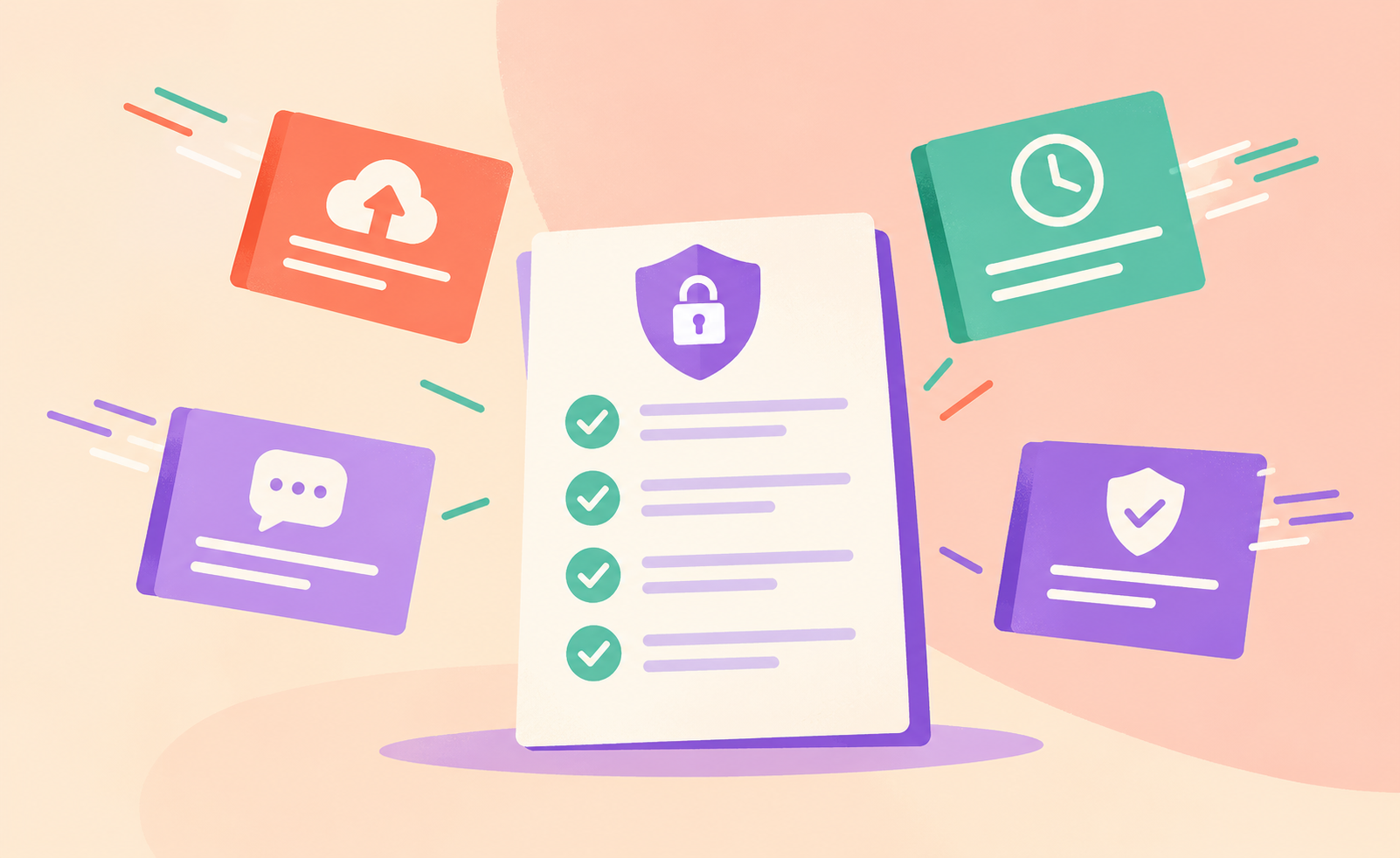
Criteria, in order of weight:
- Architecture. Does core transcription require an upload? All five do.
- Training language. Default-on, opt-out, or explicit no-training claims.
- Retention defaults. Open-ended language versus stated windows, and whether short retention is enterprise-only.
- Transparency. Published sub-processor detail and clarity of the policy itself.
2. Privacy ranking
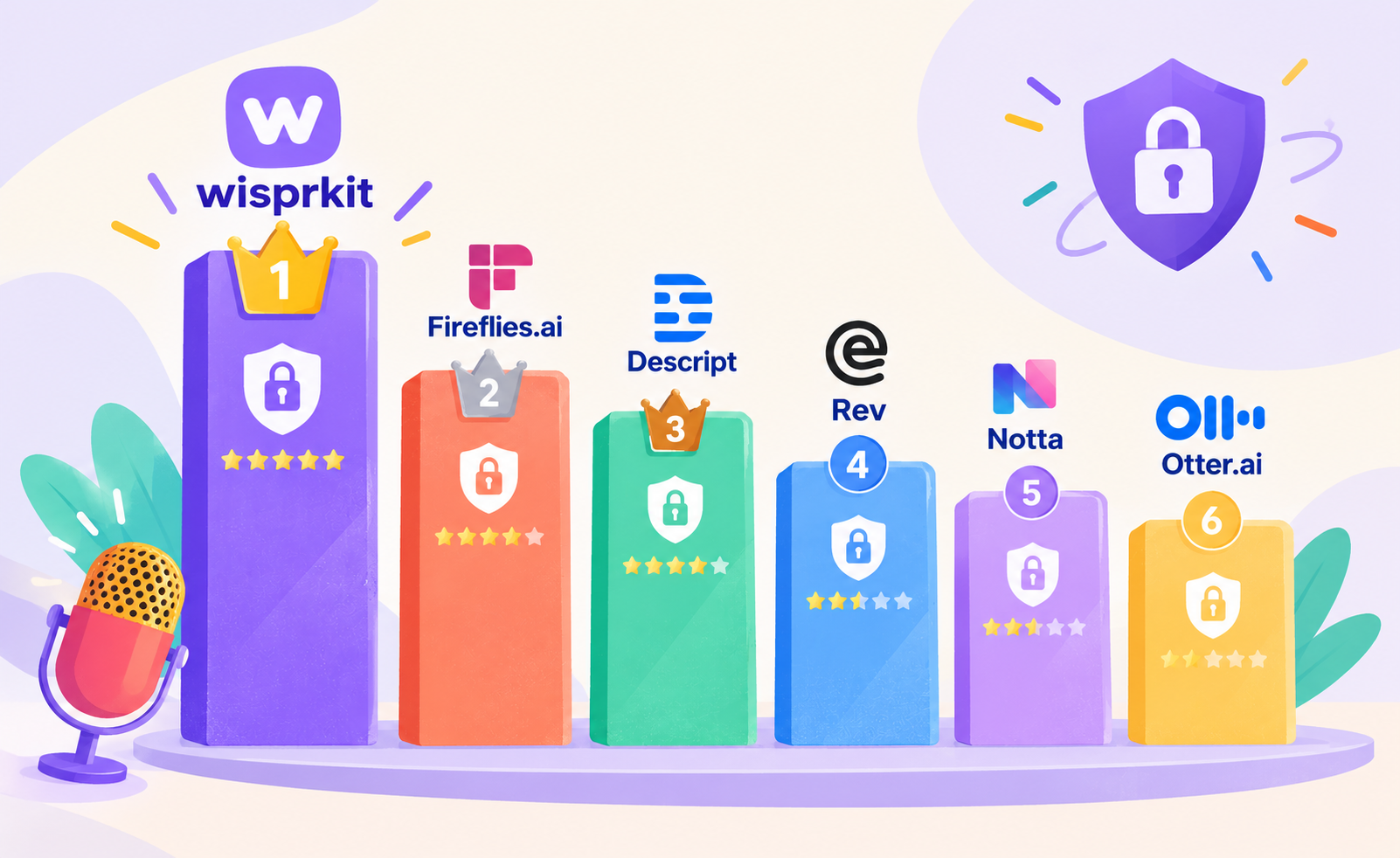
Fireflies.ai

Free · Pro from ~$10/seat/mo
Fireflies.ai ranks highest among these five on written posture. It states that customer content is not used for AI model training and describes zero-retention arrangements with processing vendors. Meeting audio, video, transcripts, and summaries are not stored by those vendors after processing. Content still lives on Fireflies own infrastructure until you delete it or close the account. Short automatic retention is often an enterprise feature. Upload is still required. Strongest contractual posture of the five if you stay on top of deletion.
Descript

Free · Creator from ~$15/mo
Descript is built for transcript-first editing, which is a real strength for podcasters. Upload and cloud processing are core to the product. Published statements have positioned production models as not using customer data by default, with R&D opt-in. Strong product, still a cloud path for the audio. Suitable for finished or low-sensitivity projects. Not a privacy vault for raw guest interviews.
Rev
AI from ~$0.25/min
Rev offers a hybrid AI and human path when accuracy matters more than pure speed. It has described use of customer data to improve its own ASR technology with an opt-out path, and states it does not train external LLMs on customer data. Cloud storage is the model. Treat unpublished sensitive audio the same way you would any other cloud STT service.
Notta
Free · Pro from ~$8/mo
Notta is strong on multi-language coverage and mobile capture. Independent policy comparisons have repeatedly noted thinner detail on retention periods and training language than some competitors. Upload is required. If transparency of the data path is a hard requirement, review the live policy carefully before trusting it with unpublished interviews.
Otter.ai

Free · Pro from ~$8/user/mo
Otter.ai is convenient and familiar, with strong real-time meeting features. Its policy has been the most explicit in this group about training proprietary AI on de-identified audio recordings and transcriptions, which may contain personal information. Retention language is open-ended on standard plans. Acceptable for low-sensitivity public content if you accept the terms. The weakest default of the five for unpublished guest interviews.
Shared limitation. All five require the audio to leave your machine for core transcription. The ranking is about policy and defaults on top of that fact. None of these tools keep audio fully local.
3. Pricing comparison

| Rank | Tool | Model | Approx. starting price | Notes |
|---|---|---|---|---|
| 1 | Fireflies.ai | Subscription | Free; Pro ~$10/seat/mo annual | Storage and AI credits by tier |
| 2 | Descript | Subscription | Free; Creator ~$15-24/mo | Editing plus transcription |
| 3 | Rev | Hybrid / per-min | AI ~$0.25/min; human higher | Seat plans available |
| 4 | Notta | Subscription | Free; Pro ~$8-14/mo | Multi-language strength |
| 5 | Otter.ai | Subscription | Free; Pro ~$8-17/user/mo | Minute caps on lower tiers |
4. Privacy comparison
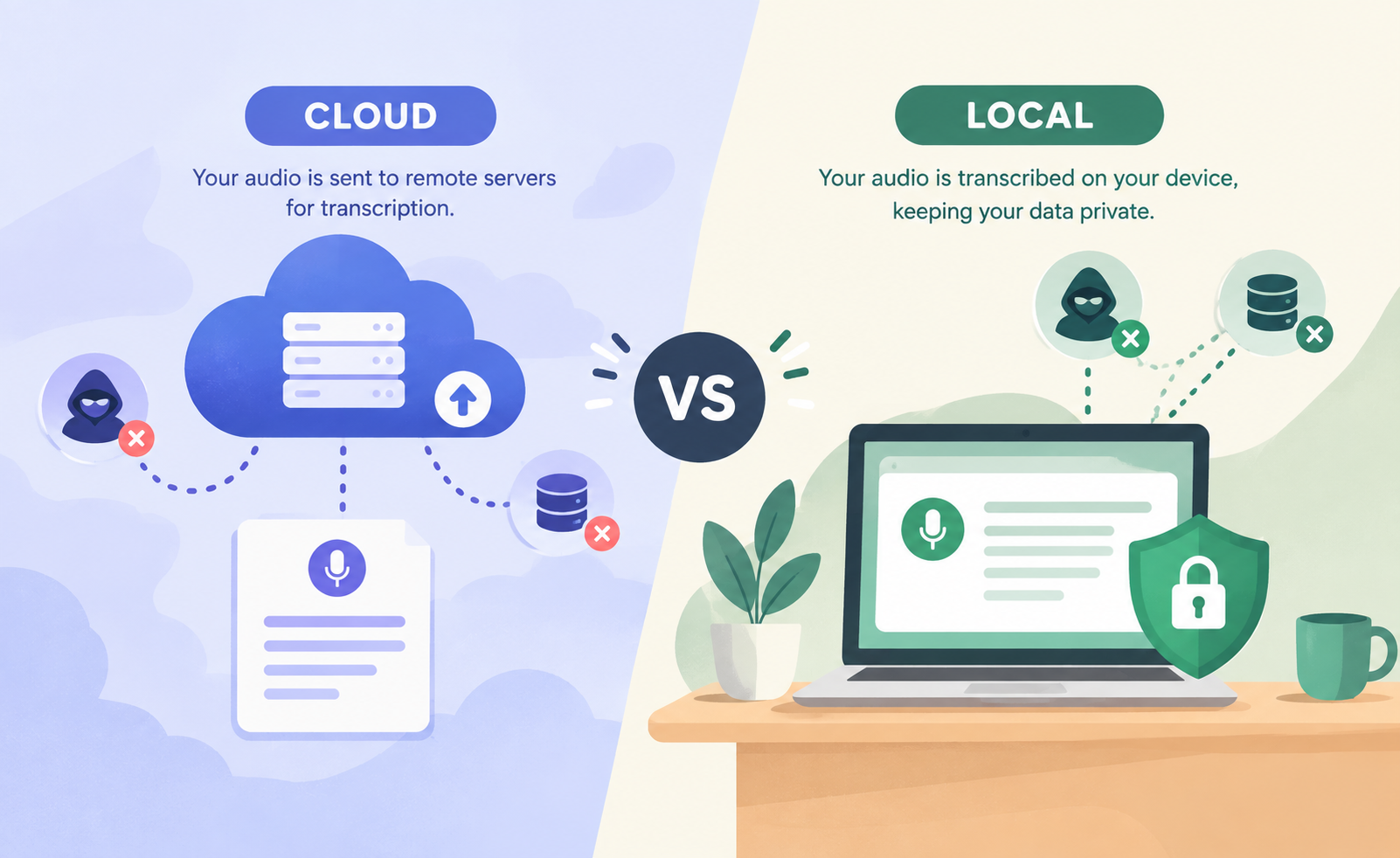
| Dimension | These 5 cloud apps | Local tools |
|---|---|---|
| Audio must leave device | Yes | No |
| Default retention | Often account-lifetime or as needed | You delete the file |
| Training on content | Varies by vendor | None for pure local run |
| Sub-processors | Storage and STT or LLM common | None for pure local run |
| Works offline | No | Yes after model download |
| Unpublished interviews | Only with negotiated terms | Designed for it |
Local tools in this comparison: MacWhisper, Buzz, WisprKit, and CLI faster-whisper / whisper.cpp.
5. Local alternatives
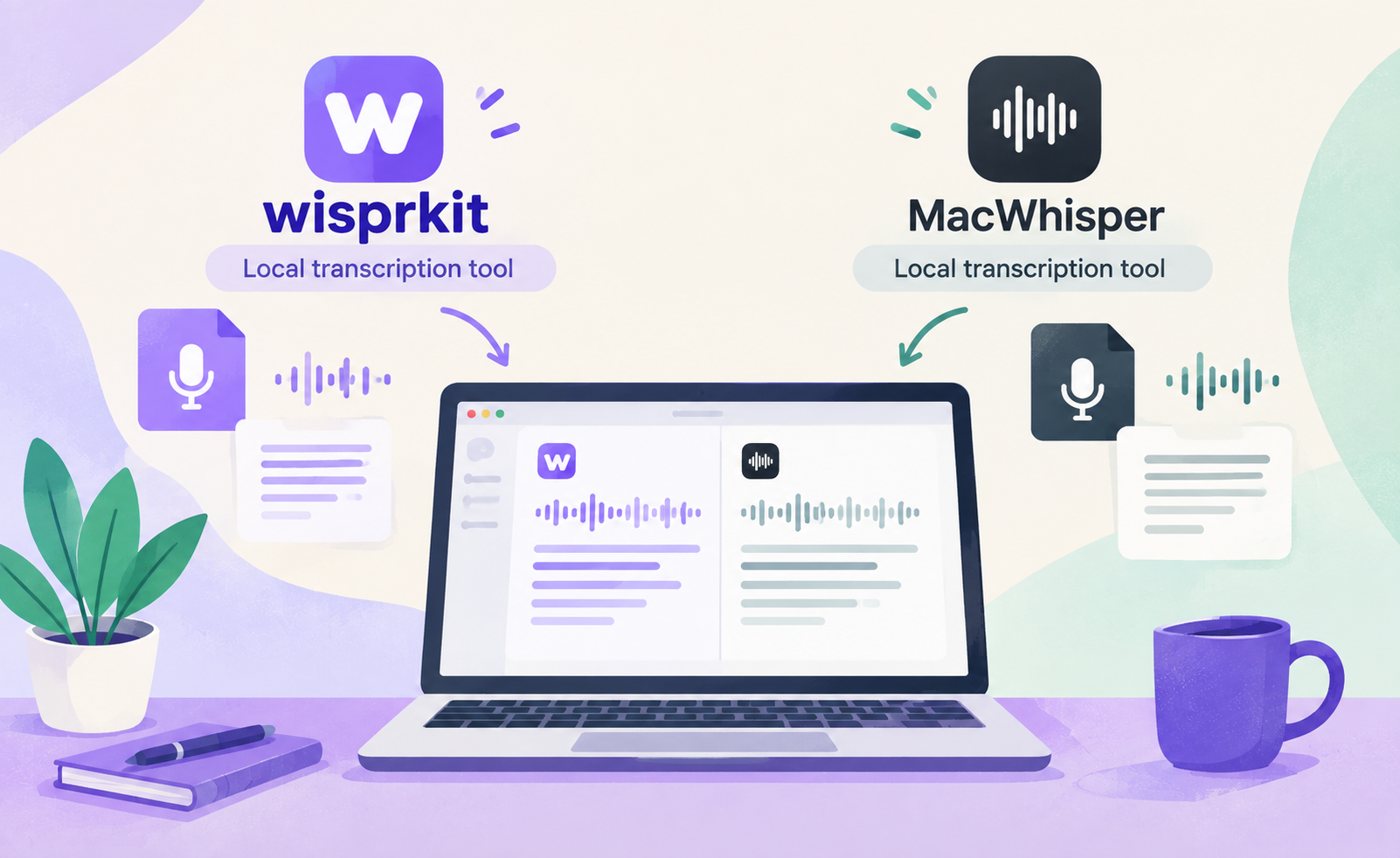
For unpublished interviews and sensitive pre-publish work, local tools sit above all five cloud apps because the audio does not need to leave the device:
- MacWhisper. Polished macOS app, local Whisper models, one-time Pro license (about €59 to $69), optional speaker features.
- Buzz. Free, open-source, cross-platform local Whisper GUI with SRT and VTT export.
- WisprKit. Local desktop option for episode drafts and interview notes. File in, transcript out, no API key, no upload of show audio.
- CLI faster-whisper / whisper.cpp. Free, scriptable, maximum control for batch pipelines.
Practical local workflow
- Record as usual. Keep masters and stems on your machine or encrypted local storage.
- Transcribe offline. Use MacWhisper, Buzz, WisprKit, or CLI. No upload required.
- Edit the text. Write show notes, chapters, and name fixes in your normal writer.
- Publish only the public artifacts. Send final audio to the host. Private stems stay local or get deleted on your schedule.
Best for: unpublished interviews, sensitive subject matter, and anyone who wants offline capability.
Honest product note. WisprKit fits the sensitive pre-publish and interview-notes use case. It is not the only option. Buzz, MacWhisper, and CLI faster-whisper / whisper.cpp are peers. Choose by OS, interface, and whether you need speaker labels or batch processing.
Cloud tools remain reasonable for already-public episode audio, for low-sensitivity volume work under a signed DPA, or when you need features your local stack does not yet cover. If the audio would be awkward or harmful sitting in a vendor export years later, keep the pre-publish path local.
The transcript is the episode in searchable form. Treat it that way.