
You do not need a cloud account to turn speech into text. In 2026 the open Whisper family runs well on ordinary laptops: whisper.cpp for a lean C/C++ CLI, and faster-whisper for Python pipelines. Both keep audio on your machine after the model is downloaded.
This guide walks through both paths with working commands and code, then compares living in the terminal to WisprKit, a cross-platform desktop app built around local engines. Free tier available, no subscription required for core local use.
1. Why convert audio to text locally
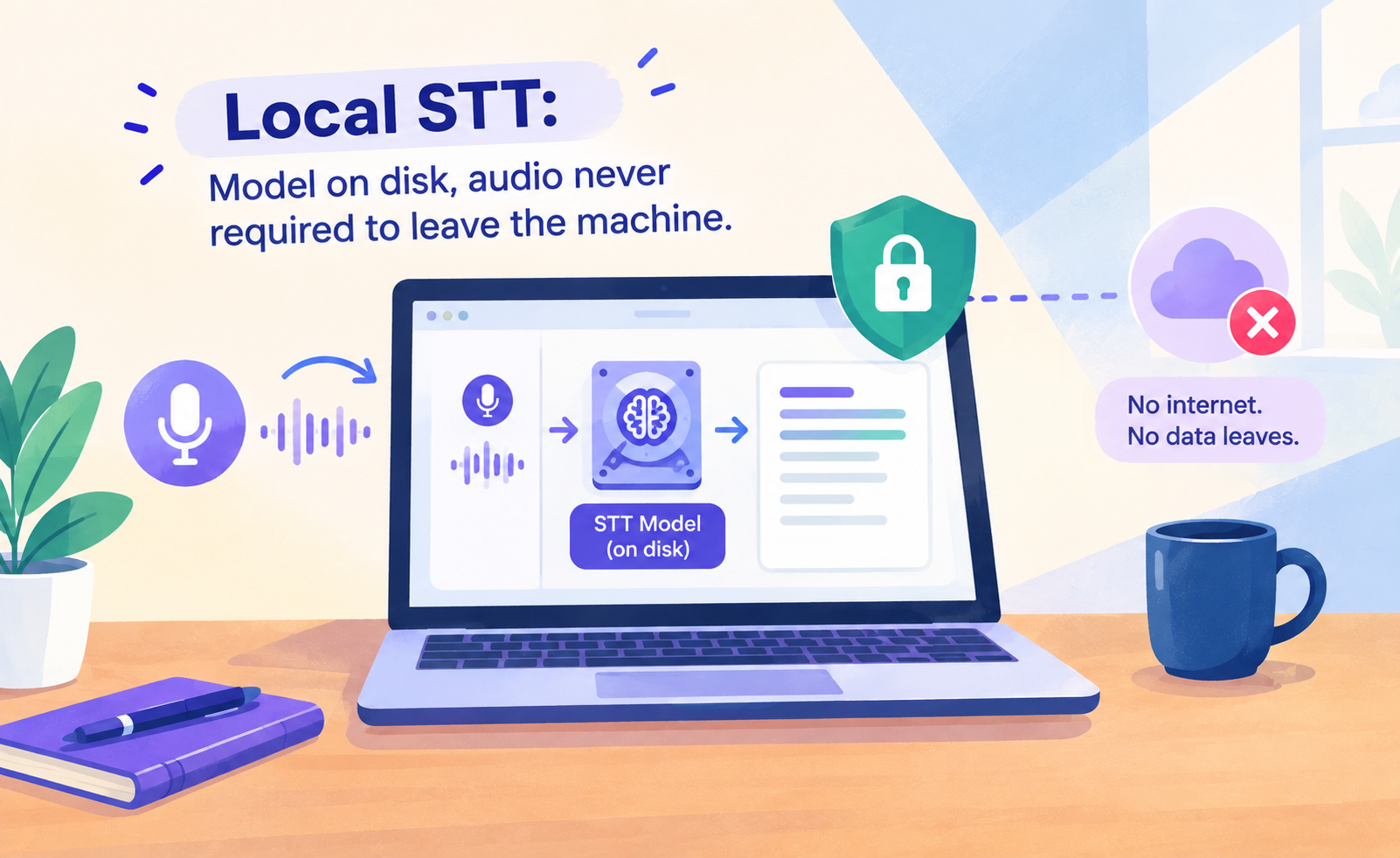
Cloud transcription is convenient until the file is a private interview, a client call, or an unpublished podcast stem. Local Whisper-style models invert that tradeoff: you pay with disk space and CPU or GPU time, and you keep control of retention.
- Privacy. No vendor account holding your raw audio by default.
- Cost. No per-minute fees after you own the hardware.
- Offline. Useful on planes, locked-down networks, or air-gapped machines once models are cached.
2. whisper.cpp on the command line (C/C++)
whisper.cpp is a C/C++ port of Whisper with ggml models. It is a strong default on Apple Silicon (Metal) and on CPU-only machines where you want a small dependency footprint and no Python runtime.
Install dependencies
macOS (Homebrew):
Ubuntu or Debian:
Clone, download a model, and build
Swap base.en for small, medium, large-v3, or large-v3-turbo depending on accuracy and hardware. English-only models use the .en suffix; multilingual models omit it.
Transcribe a file
This writes text and SRT next to your chosen output prefix. On Apple Silicon, Metal is typically enabled in Release builds; see the project README for Core ML flags if you want encoder acceleration.
Minimal C++-style usage note
The maintained entry point for most users is the official CLI binary above. If you embed whisper.cpp in your own C++ project, you link the library, load a ggml model path, and call the C API to run inference on PCM samples. A sketch of the control flow:
Prefer the upstream examples/ tree in the whisper.cpp repository for production-ready C/C++ samples rather than copying pseudocode into shipping software.
3. Python with faster-whisper
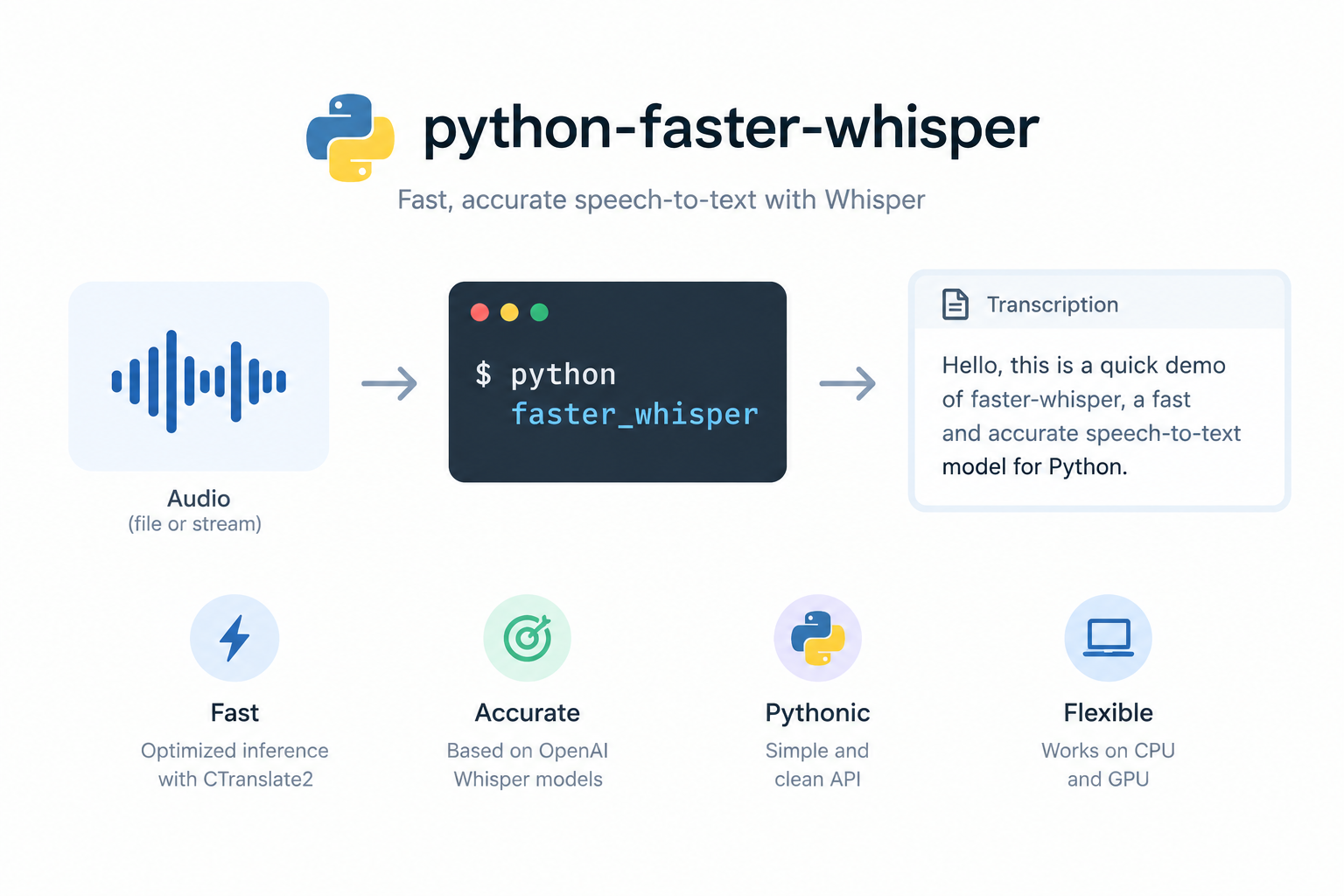
faster-whisper is a Python reimplementation on CTranslate2. On NVIDIA GPUs it is often the throughput winner. On CPU it remains practical with int8 compute.
Setup
Transcribe script
First run downloads the model weights into a local cache. After that, you can transcribe offline. For SRT, map each segment start and end into standard subtitle timestamps in a few extra lines of Python.
4. Manual scripts versus a local desktop app
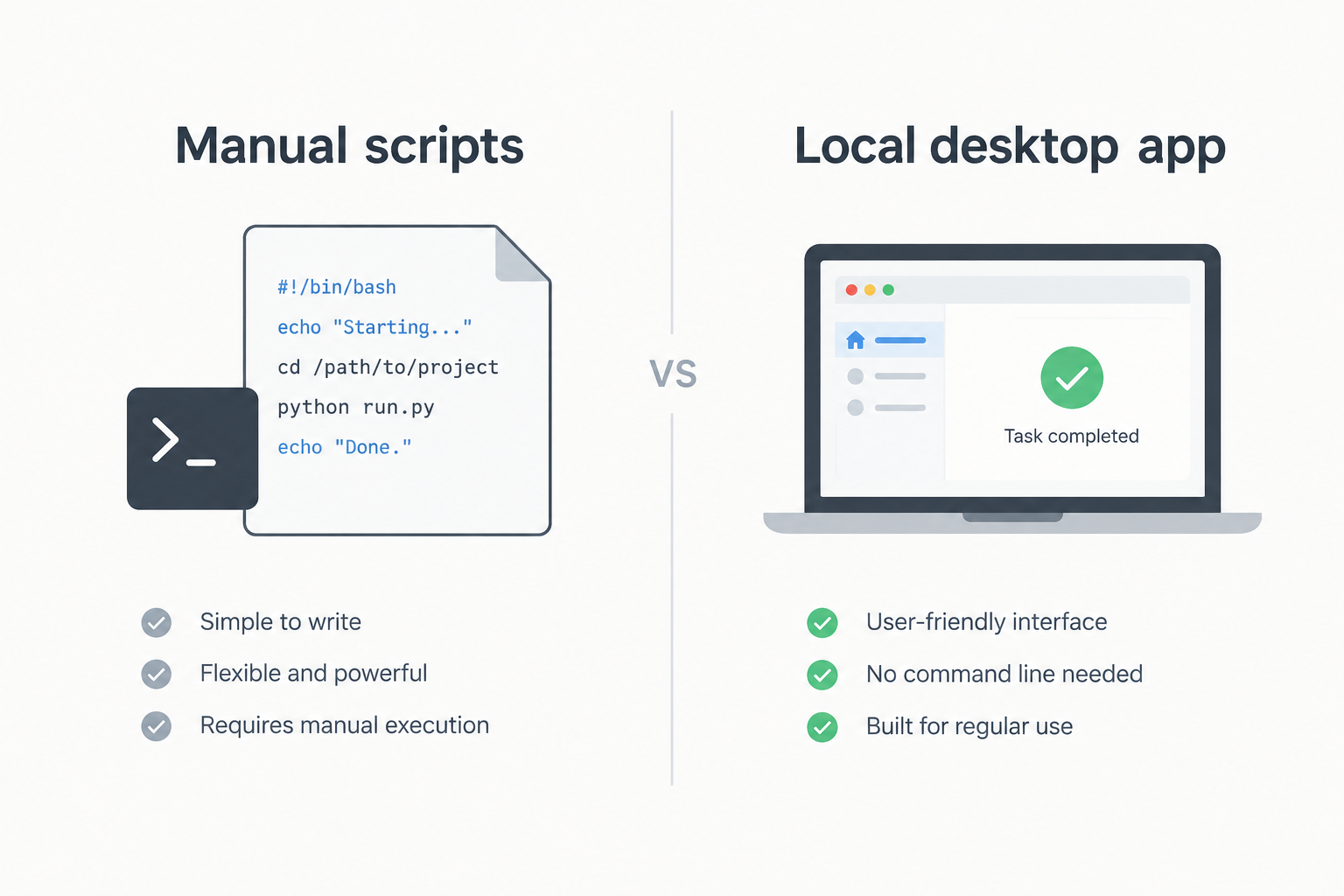
Scripts are the right tool when you need automation, servers, or custom pipelines. A desktop app is the right tool when you want drag-and-drop, a library of past jobs, and exports without maintaining a toolchain.
| Dimension | whisper.cpp / faster-whisper scripts | WisprKit desktop |
|---|---|---|
| Setup | Compiler or Python venv, models, FFmpeg | Install app, download models in UI |
| Daily use | Flags, paths, shell or notebooks | Drag-and-drop, library, one-click export |
| Batch | Your own loops and scripts | Built-in batch (Pro for advanced queues) |
| Diarization | Extra tools or pipelines | Integrated speaker separation (Pro) |
| Translation | Separate models or APIs | Local translation in-app (Pro) |
| Cost model | Free software, your time | Free tier + optional one-time Pro |
| Best for | Developers, servers, custom pipelines | Creators, producers, everyday local STT |
5. WisprKit overview
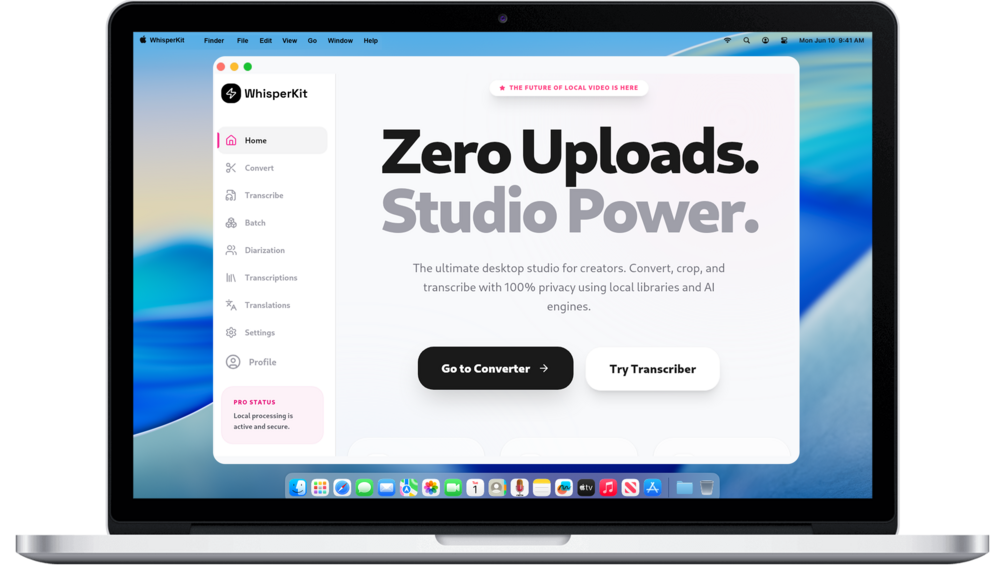
Free tier · Optional one-time Pro
WisprKit is a cross-platform desktop app for local media conversion and Whisper-based transcription. It targets Windows, macOS, and Linux, with acceleration paths such as CUDA and Metal where hardware allows. Processing is designed to stay on your machine. There is no subscription for the core product model: free capabilities for everyday local work, and a one-time Pro unlock for advanced features.
Under the hood it builds on the same ideas as the scripts above: local Whisper-family models, FFmpeg-powered conversion, and optional local translation. The difference is packaging: a library UI, guided flows, and production exports without maintaining a personal CLI toolkit.
6. Feature: Transcribe
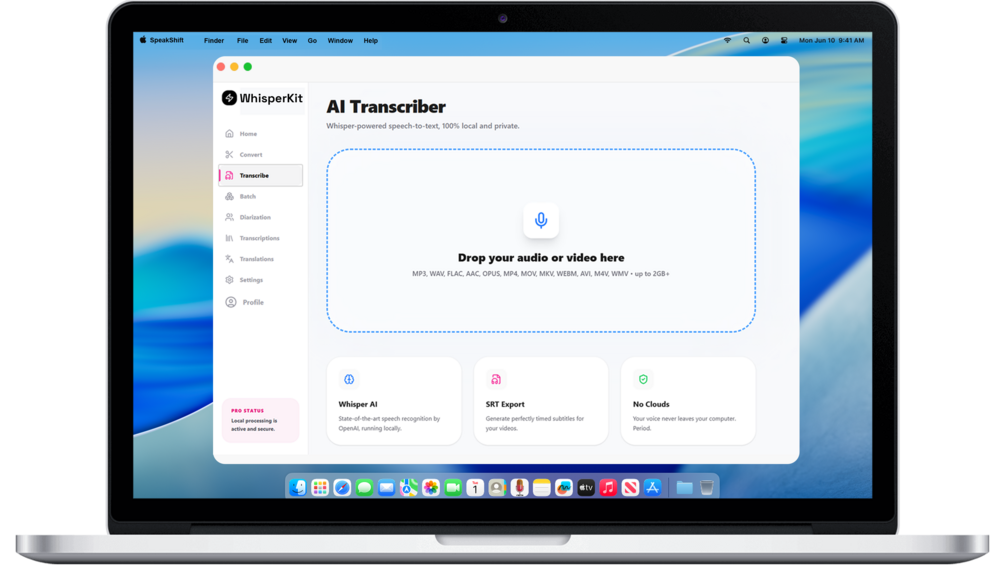
Drop almost any common audio or video file, or record from the microphone. WisprKit runs local Whisper-class models so the speech-to-text step does not depend on a cloud STT API. You choose model size based on speed versus accuracy, then export a clean transcript or subtitles.
This is the direct alternative to calling whisper-cli or a Python transcribe() loop when you want the same local property with less setup.
7. Feature: Speaker separation
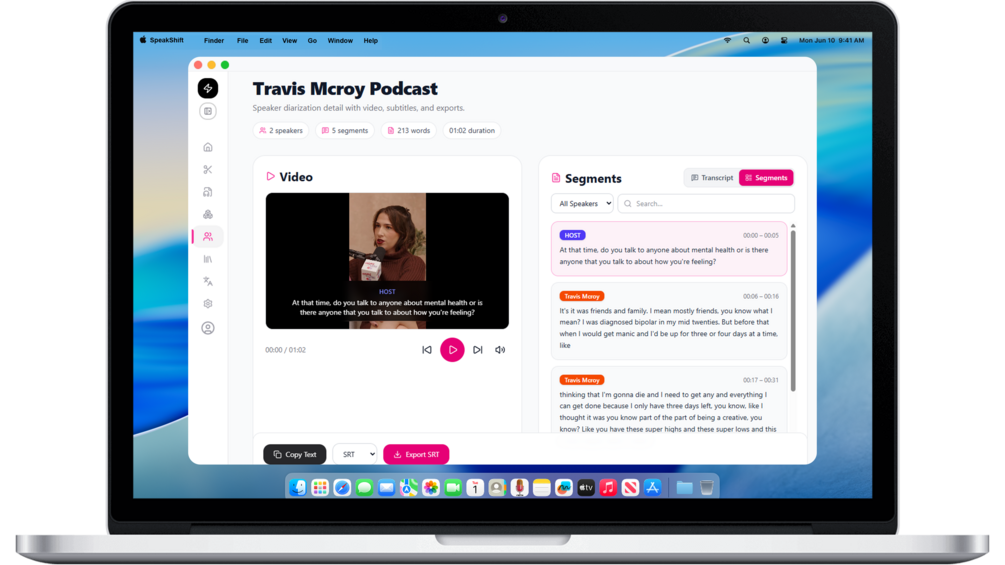
Speaker diarization labels who spoke when. On Pro, WisprKit supports separation for up to four speakers, with rename and edit of turns, then export of speaker-aware subtitles. That matters for podcast interviews and meetings where a flat transcript is harder to edit.
Doing the same with pure scripts usually means an extra diarization model or pipeline wired to your Whisper output. The app keeps that path inside one workspace.
8. Feature: Translate
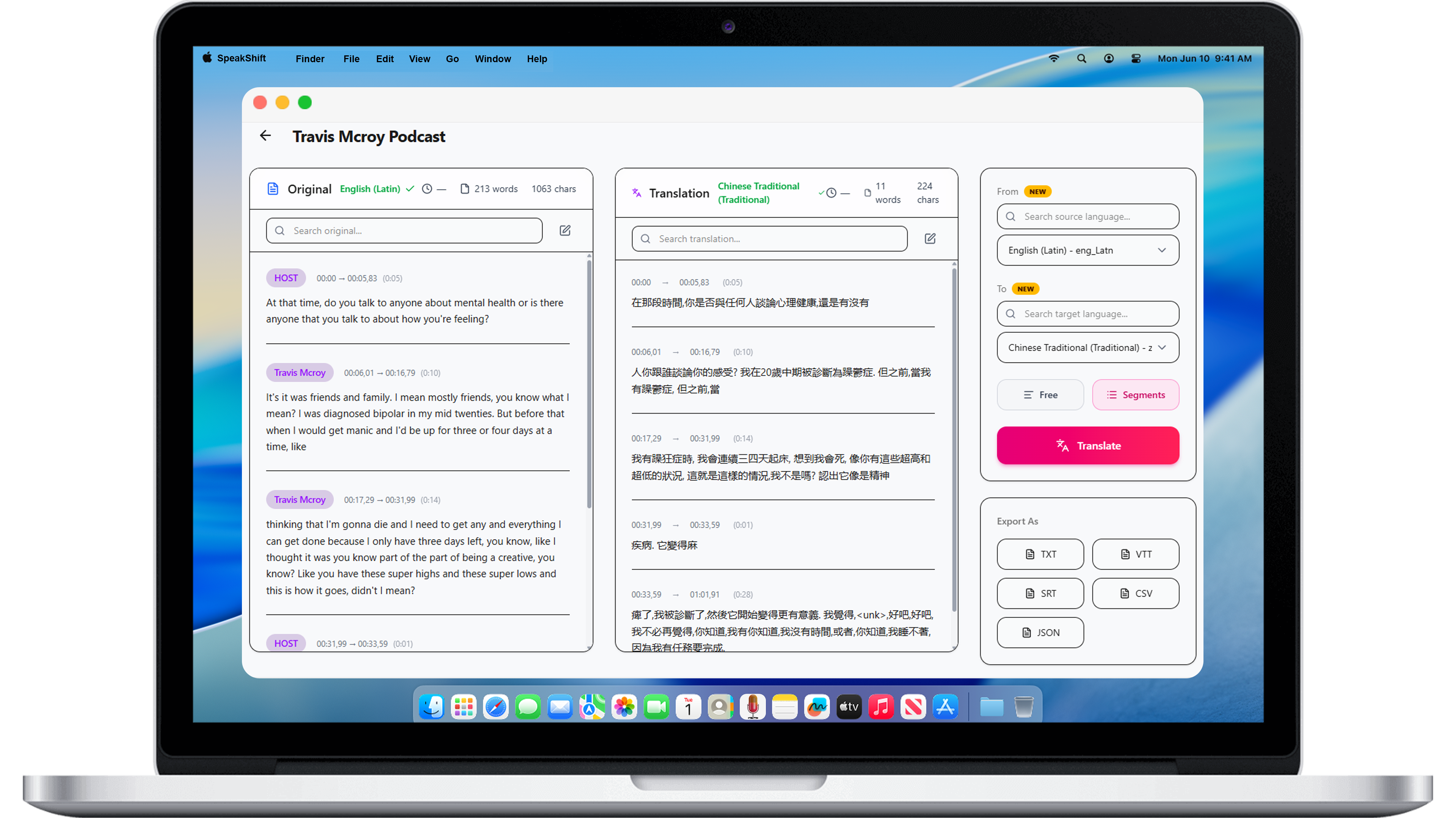
Pro translation runs inside the app using local neural translation (NLLB-class), aimed at wide language coverage. You can edit results and export without sending the original audio to a third-party translation API for that step.
Script users often chain Whisper output into a separate translation model or service. WisprKit collapses that into one local studio for teams that localize show notes or subtitles.
9. Feature: Convert media
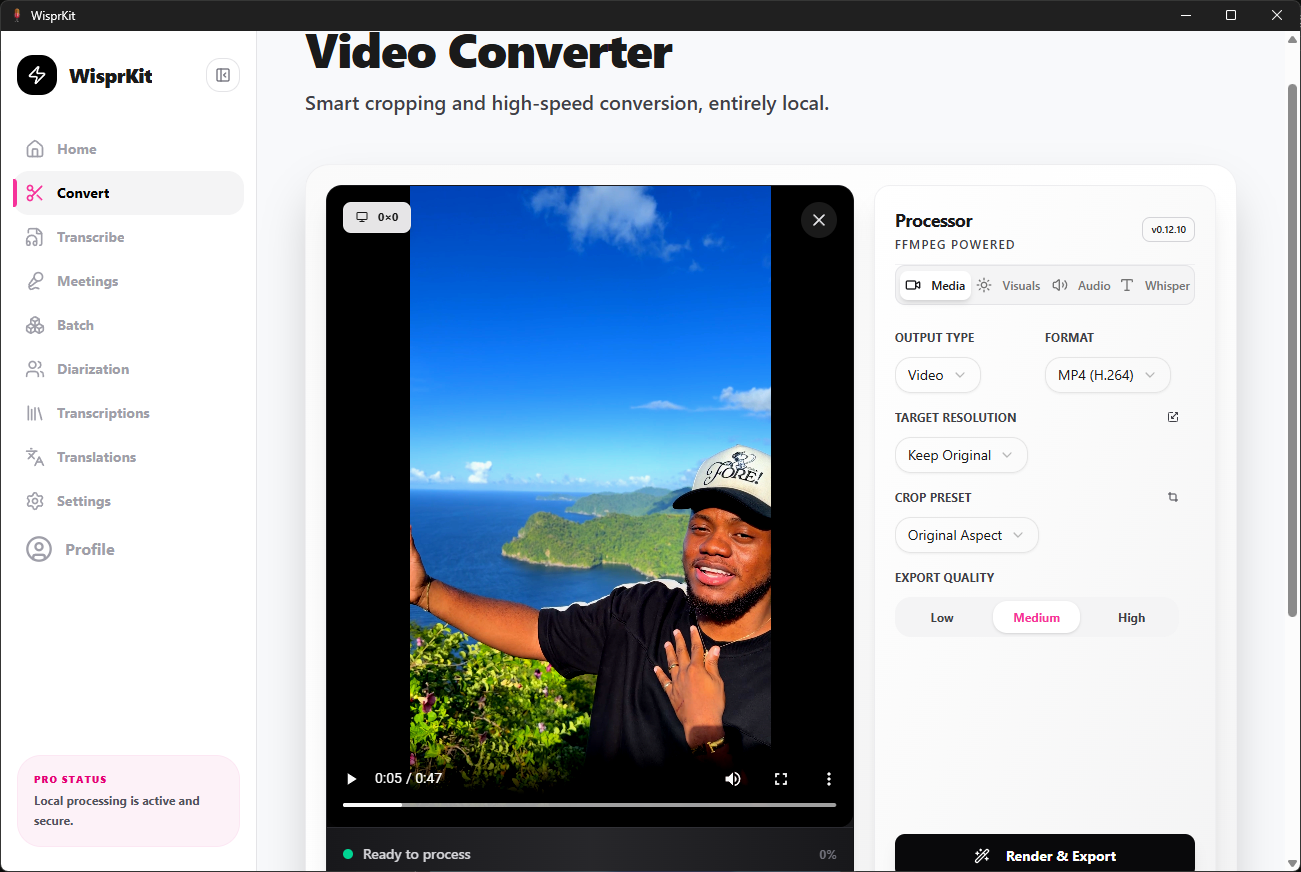
Before transcription you often need a consistent format, sample rate, or crop. WisprKit includes local conversion for common video and audio containers, with practical controls such as aspect presets and basic cleanup. That replaces a pile of one-off ffmpeg commands for many creator workflows while still keeping processing on-device.
10. Feature: Batch workflows
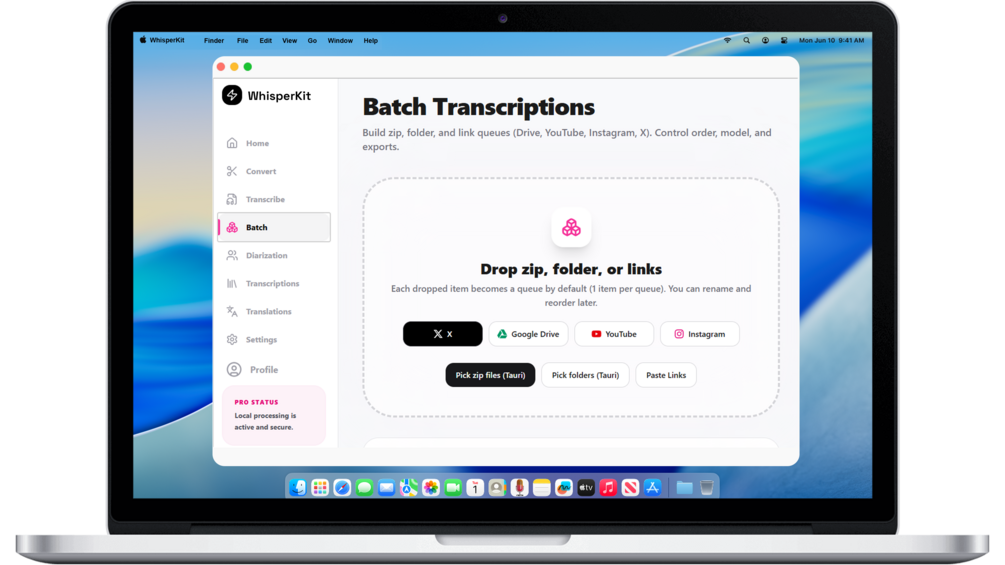
Batch processing is where scripts shine, and where a desktop app has to earn its place. WisprKit focuses on folder and multi-file queues so producers can run overnight jobs without writing for f in *.wav loops. Advanced batch and queue features sit on Pro; the idea is the same as a well-written CLI pipeline, packaged for non-terminal users.
11. Feature: Production exports
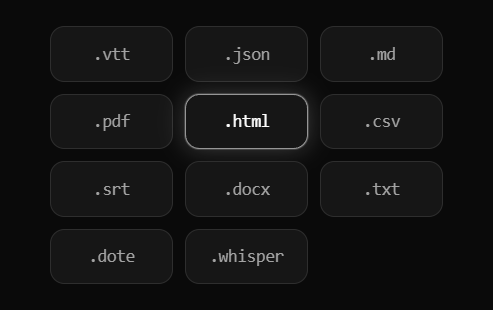
Transcripts only help if they land in your editor or CMS. WisprKit exports common subtitle and text formats (SRT, VTT, TXT, JSON, CSV, Markdown, and additional document formats on higher tiers) so you can move from local STT to publishing without a manual cleanup marathon.
Honest note. Scripts remain the best choice for custom automation and servers. WisprKit is the better default when you want local Whisper power with a full desktop workflow, free tier included, and no subscription required to keep your audio on your machine.